

A message can be short enough to read in one glance and still take your attention away from a pedestrian, a changing signal or the car braking ahead. Texting and driving includes both reading and typing messages. Auto Insure News explains the risks, what current crash figures show, how phone laws differ and the practical changes that keep messages from interrupting a trip.
How texting takes your attention off the road
Texting pulls you away from driving in three ways at once. Looking at the screen takes your eyes off the traffic. Holding or tapping the phone takes a hand off the steering wheel. Reading a message and deciding how to answer occupies the attention you need for the road.
Reading without replying still creates a distraction. The car ahead can brake while your eyes are on a notification, and your response starts later because you have missed the first sign of trouble. Returning your gaze to the windshield leaves you with less time to assess what changed.
| Vehicle speed | Distance in five seconds |
|---|---|
| 25 mph | About 183 feet |
| 35 mph | About 257 feet |
| 55 mph | About 403 feet |
| 65 mph | About 477 feet |
These distances are calculated at a constant speed. They measure travel only during the distraction; braking afterward adds more distance. Even on a neighborhood street, five seconds can carry a car past several driveways or through a crosswalk.
Why does reading messages count as distracted driving
The risk extends beyond an ordinary text message. Opening a group chat, reading a delivery instruction, checking an email or answering a social media message can all pull your attention away from traffic. A quick-reaction emoji still requires finding the notification and tapping the screen.
A phone resting in your lap is especially troublesome because checking it draws your gaze downward. Mounting it closer to the windshield can help with preloaded navigation, but the mount provides no protection against the mental work of reading a conversation.
A smartwatch notification can create the same urge to look at and respond to it. Silence message alerts on connected devices before leaving, including any watch that mirrors your phone.

What distracted driving statistics measure
NHTSA’s 2024 distracted driving figures report 3,208 people killed and an estimated 315,167 injured in crashes involving distracted drivers. The agency also describes sending or reading a text as a task that can take a driver’s eyes off the road for five seconds.
The death and injury totals cover all reported driver distractions, including phone use and other activities. They are broader than texting-related crashes. Calling them “texting and driving deaths” would overstate what the data identify.
Distraction is also difficult to establish after a collision. A crash report may record the impact and vehicle movements without showing what the driver was looking at beforehand. Drivers may not disclose phone use, and reporting practices differ across jurisdictions.
For readers comparing statistics, the year of the crash data matters more than the date at the top of a webpage. A recently updated article can still cite a much older survey or crash report.
How texting and phone laws differ by state
Texting bans and handheld phone bans explained
Most states prohibit texting while driving. Many also restrict holding a phone for calls, apps or other activities, so a driver can violate a handheld-device law without sending a message.
The hands free driving rules in Indiana, for example, generally prohibit holding a telecommunications device while operating a moving vehicle. Hands-free or voice-operated use and calling 911 to report a genuine emergency are specified exceptions.
Fines, license points, repeat-offense penalties and enforcement rules vary by state. The rules for driving apply even when your license comes from somewhere else.
Phone rules at red lights and for beginners
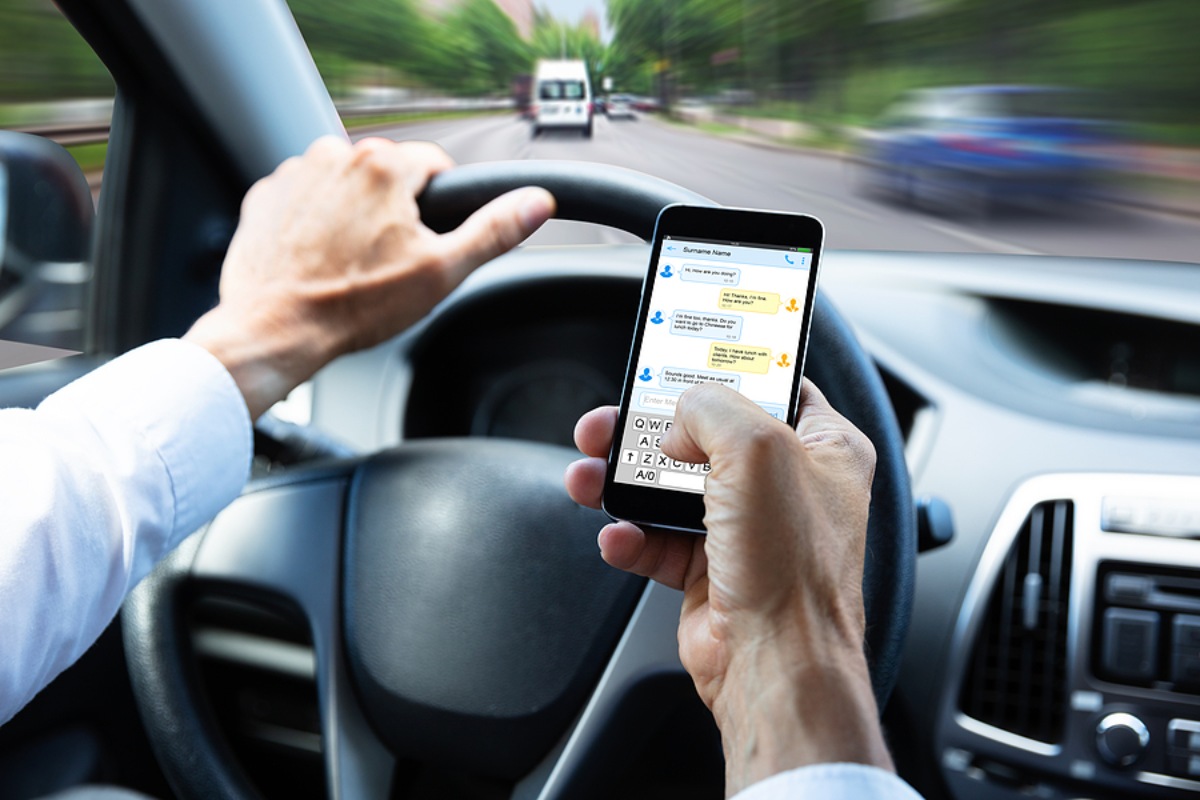
A temporary stop in traffic can remain covered by a state’s phone restrictions. Washington’s law expressly includes time spent stationary because of traffic, a signal, or another momentary delay. A red light, therefore, provides no general exemption from phone laws.
Novice-driver restrictions can also go beyond the rules for experienced adults, including limits on hands-free calls. Families need to check the rules attached to a learner permit or intermediate license.
Drivers covered by federal commercial-motor-vehicle regulations face separate restrictions on texting and handheld phone use. A work message or dispatcher request is no reason to read or type while driving.
Why hands-free texting can still distract
Dictating a reply keeps you involved in the conversation: deciding what to say, listening for an answer and checking whether the system understood. Correcting a mistaken word can draw your eyes back to the display. A hands-free feature can reduce handling while leaving that mental distraction in place.
Keep optional conversations for a parked stop. Set navigation before departure and use spoken directions without editing the route while moving.
Adaptive cruise control and lane-centering assistance also require an attentive driver. Those systems can help with certain aspects of vehicle control, but they do not give you time to read messages. When setting up a newly purchased car, review the owner’s manual and learn the controls before the first regular commute. Configure phone pairing and notification settings while parked.
How to keep messages from interrupting a drive
Phone settings to change before driving
Choose the route, start the playlist and send any departure message while parked. Then silence incoming message alerts and put the phone somewhere you will leave it alone. If you need the navigation display, secure it in a suitable mount before moving.
| Device | What to configure while parked |
|---|---|
| iPhone | Open Settings, then Focus, and add or select Driving. Configure automatic activation and Auto-Reply. |
| Google Pixel | On supported software, open Settings, then Modes, then Driving. Configure activation and notification filters. |
| Other Android phones | Find Driving mode or Do Not Disturb in the phone’s settings. Available menus and automatic triggers depend on the device. |
On iPhone, Driving Focus can activate through detected motion, a car’s Bluetooth connection or CarPlay. Select who receives an automatic reply and use a clear message such as: “I’m driving. I’ll respond when I’m parked.”
Review allowed contacts, app exceptions, and any repeat-caller settings. Test the setup before relying on it. A mode that still permits every group-chat alert leaves the interruption in place.
If notifications repeatedly tempt you to reach for the screen, put the phone in a closed bag or compartment before departure. Leave it there even if it falls or starts buzzing.
Where to stop before answering a message
When a message needs an answer, leave the traffic stream and park somewhere lawful and safe. A parking lot or rest area gives you time to finish the conversation without having to watch for a light to change.
A highway shoulder exposes you to passing vehicles. Continue to an appropriate exit or stopping place for a routine message. If there is an emergency, use available hands-free emergency calling or ask a passenger to call, and stop safely when possible.
Finish the task before pulling back into traffic. Recheck the route and put the phone away again; an unfinished conversation can keep demanding attention after the car starts moving.
How families, passengers and employers can help
Set clear phone rules for teen drivers
Make the household rule specific: no reading or replying while driving, including at traffic lights. Agree on where the phone goes and how the family will handle missed calls or a late arrival. Parents need to follow the same rule when their children are passengers.
A teen who receives repeated “Where are you?” messages may feel pushed to answer. Agree beforehand that the driver will check in after parking. Passengers can help with directions, but loud conversations and an argument over the phone can add another distraction for an inexperienced driver.
Let a passenger handle incoming messages
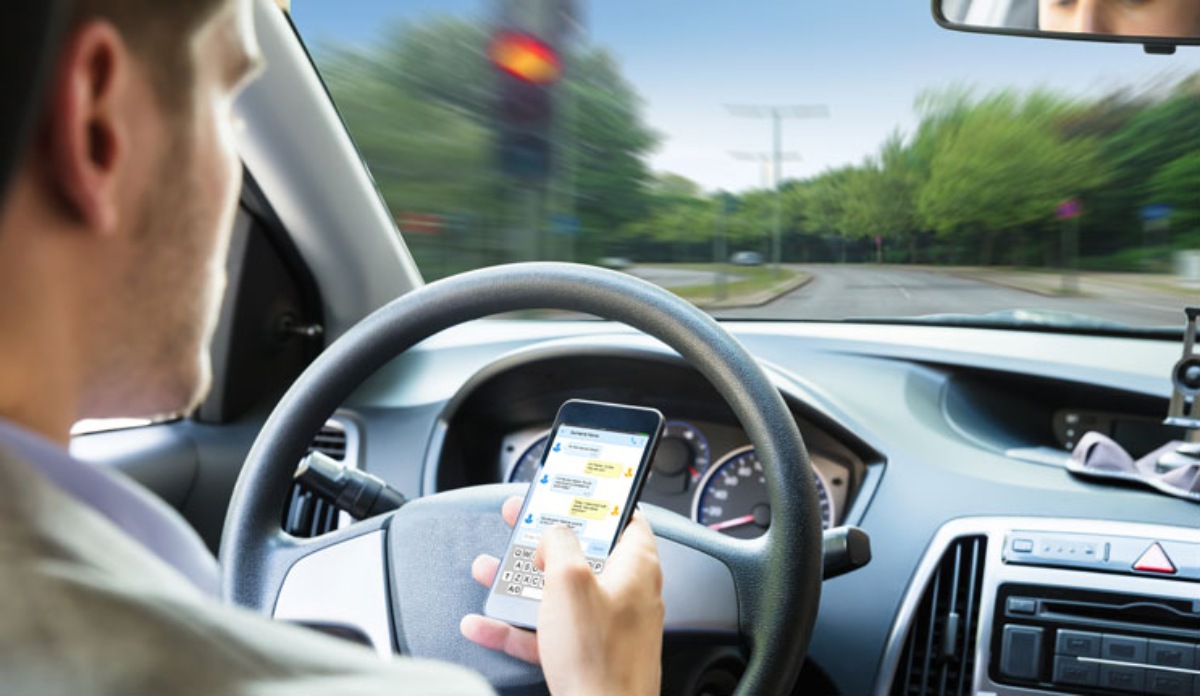
Speak up early and offer something useful: “I can answer that for you. Keep watching the road.” Handle the device yourself with the driver’s permission, without asking the driver to read over your shoulder or approve every word.
Avoid grabbing the steering wheel or starting a confrontation while the car is moving. If the driver continues using the phone, ask them to stop somewhere safe. You can decide whether to continue the trip once the vehicle is parked.
Give employees time to reply after parking
A no-texting policy works better when supervisors also accept delayed responses. Schedule calls outside driving periods, let workers park before opening dispatch instructions and avoid treating unanswered messages as poor performance.
Employees can tell colleagues before departure when they expect to be reachable again. For work that involves frequent stops, handle communication during a safely parked stop and complete it before resuming the route. Phone-blocking tools can support a policy, while the employer’s expectations determine whether workers feel free to use them.
What to do after a distracted driving crash
Stop, check for injuries and call 911 when someone is hurt or there is an immediate danger. Follow local crash-reporting requirements and exchange the required driver, vehicle and insurance information. Take photographs and collect witness contact details only when you can do so safely.
If you saw the other driver using a phone, describe exactly what you observed to the police and the insurer. Preserve available dashcam footage. Avoid recording another driver with your handheld phone while in motion.
When filing a car insurance claim, provide the location, time, damage photographs, witness information and any police report details. Keep the original footage and copies of communications about the collision.
Notify your insurer promptly. The deadline for reporting an accident depends on the policy and applicable requirements; it is separate from a deadline for filing a lawsuit.
How texting violations can change insurance costs
A texting conviction can affect a premium where state law allows insurers to use it. Some states restrict that use. The outcome depends on the violation and how the insurer weighs your driving history, so there is no single nationwide percentage increase after a texting ticket.
A crash can lead to additional insurance consequences, especially when the driver is found responsible. Paying the traffic fine does not pay the repair bill, medical expenses or other claims arising from the collision.
Phone use can also be entered into an insurance assessment through a telematics program. Some mobile apps track activity on handheld phones, with availability and rating rules varying by state. The privacy and pricing tradeoffs of insurance tracking include which behavior the program records and whether a score can reduce a discount or increase the rate.
Review recorded trips and use the program’s correction process if a passenger trip has been assigned to you. Check the details after parking. The app itself should not become another reason to pick up the phone on the road.

RELATED AUTO INSURANCE GUIDES
Safety & Driving
Black Ice on the Roads: How to spot it and handle a skid
Auto Insurance
Car Insurance Umbrella Policy: Coverage, Cost and Limits
Auto Insurance
Michigan Car Insurance: Rates, Companies & PIP Coverage
Safety & Driving
Texting and driving: risks, statistics, laws and prevention